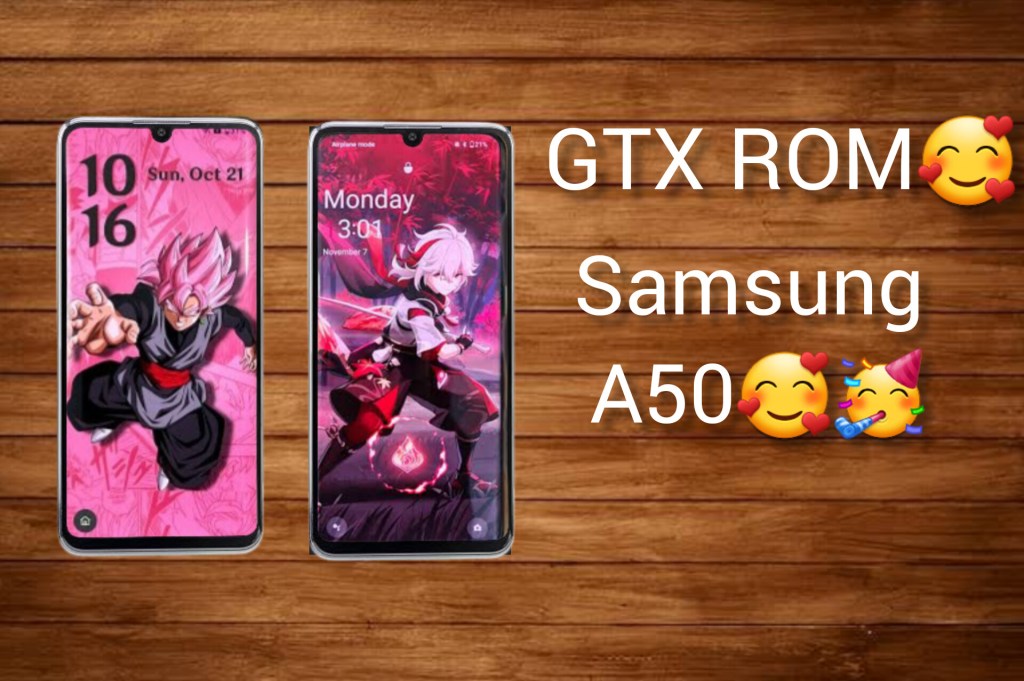
—–>installation god spedd improve😱
—–>a new logo boot animation 👌 😍
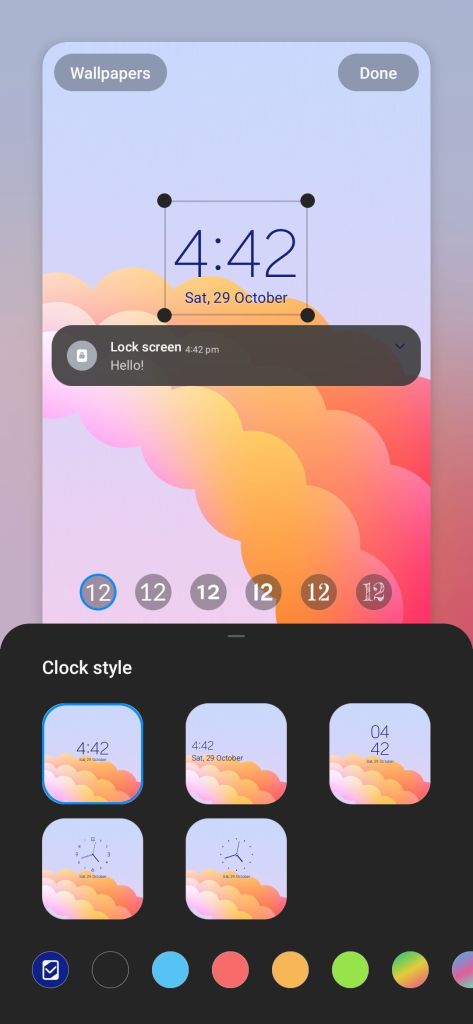
—->advance new lock clock style 😎
—->fingerprint speed recongiation🥰
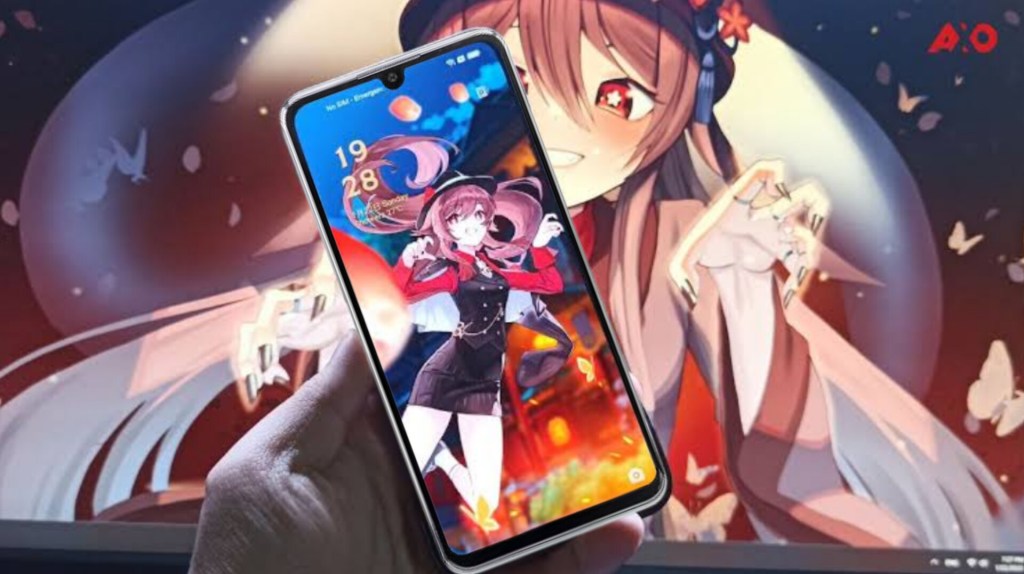
—–>A new live wallpaper and wallpaper 😍 👌 💕
—->new locking 🔒 sounds
____>new unlocking sounds😍
——–>new charging sounds🤗
_——->new ringtone and notification sounds 👌 🔥
——>adding performance stability 🔥
——>high and debolatware to increase ram and internal storage 🥳
___>live blur 🤩😚
——>you can use samsung camera but some times it goes back
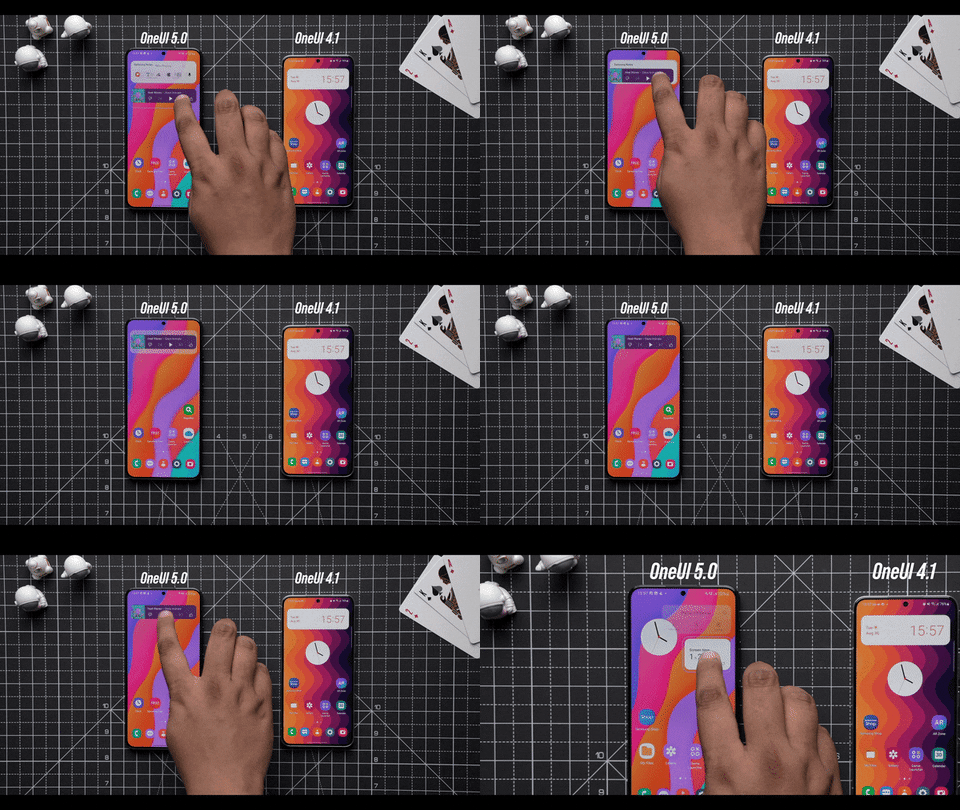
One UI 4 had its own form of stacked widgets that were called Smart widgets. However, One UI 5 brings an improvement in the form of easily stackable widgets (much like iOS). Now, instead of having to go through the widgets menu to add a smart widget, you can simply drag and drop a widget of a similar size over another widget, and it will turn into stacked widgets.
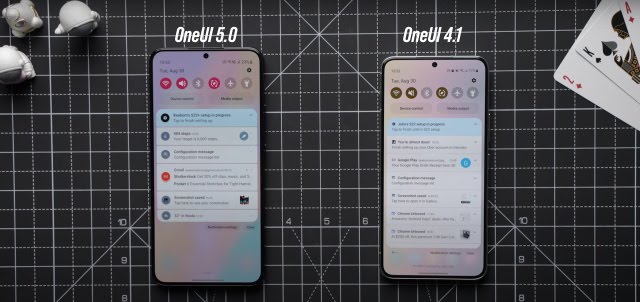
Amid the slew of visual changes hitting One UI 5.0, the notifications are another area that have received a fair level of attention. The notification shade now has a slightly different look, sporting bigger app icons that stand out by themselves.
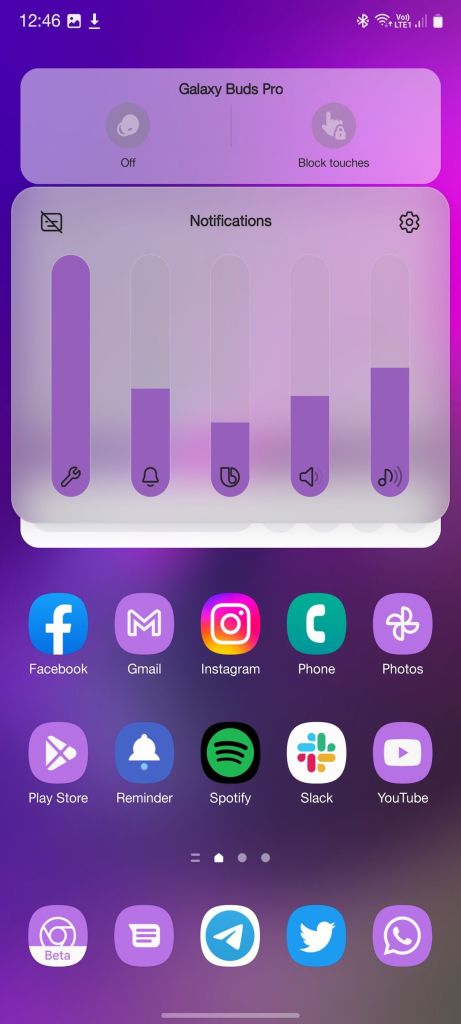
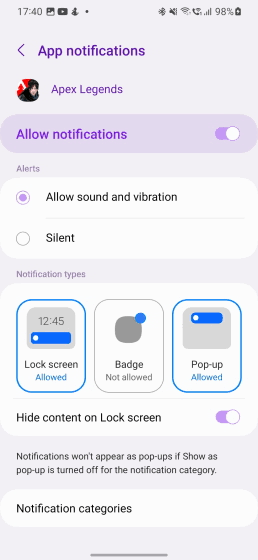
For users who wish to further fine-tune where they receive their app notifications, One UI 5 has something nice in store. Instead of just being offered Brief and Detailed notification types in One UI 4, you can now choose the exact notification type (from three options) and whether it is allowed or not.
blocked notifications one ui 5
Credits
@ishiharaAPC
@BurningLion
Pro_maker
Power point
Gt gamer
@mujammilk_476
@GalaxyA51user
@pikachuxaa
@K3nzzzy
@Maumau_Mauricio
 GTX ROM OFFICIAL